Traffic Light Log by CHAICore
Expert-developed at a leading university
App Summary
App Screenshots
Detailed Description
Functionality & Mechanism
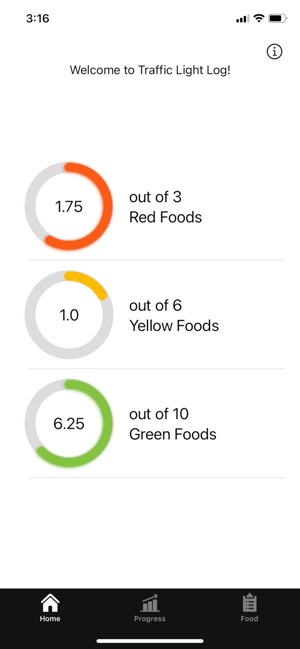
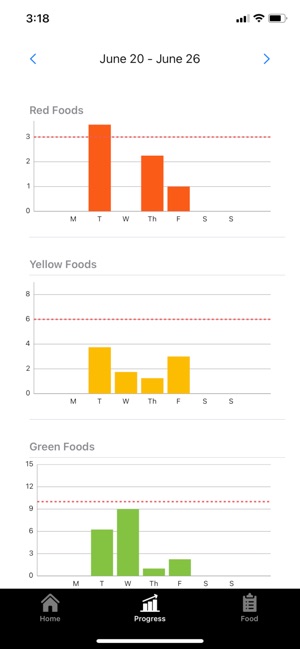
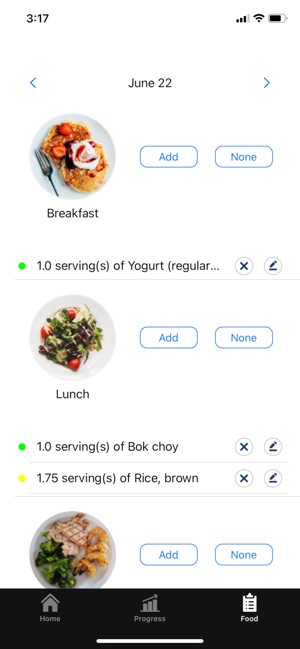
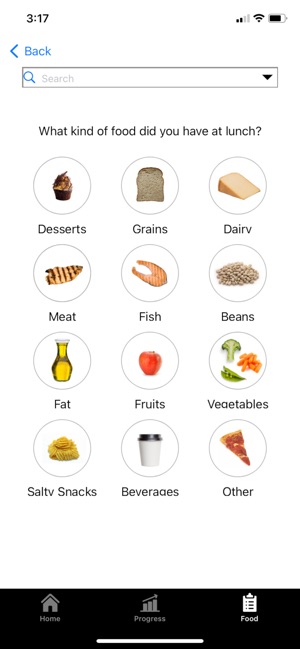
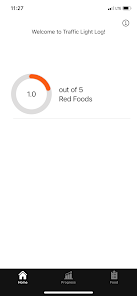
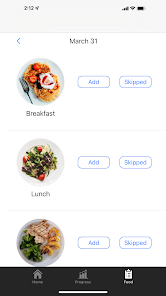
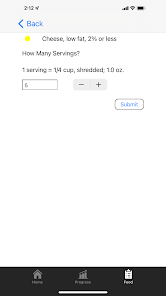
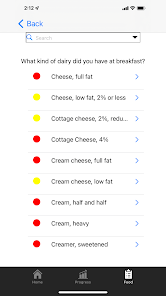
This nutritional self-monitoring tool enables users to log dietary consumption and review associated nutritional information. The application utilizes a three-tier 'traffic light' classification system to categorize logged food items. Within this framework, foods are sorted into green, yellow, and red designations based on their nutritional attributes. The system defines green-coded foods as healthier options and red-coded foods as less healthy. The interface provides users with a visual summary of their consumption patterns according to this schema, serving as a simplified dietary logging and visualization instrument.
Intended Use & Scope
The application is intended for general use by individuals seeking a simplified method for tracking their food intake. Its primary utility is to offer a qualitative, visual representation of dietary choices using a color-coded system. This app is intended for informational/educational purposes and does not replace professional medical advice, diagnosis, or treatment.
App Information
Category
Evidence Profile
Expert-developed at a leading university
Platforms
Updated
Sep 2023
© 2025 University of North Carolina at Chapel Hill